
WeCom Was Never Just a Login Button
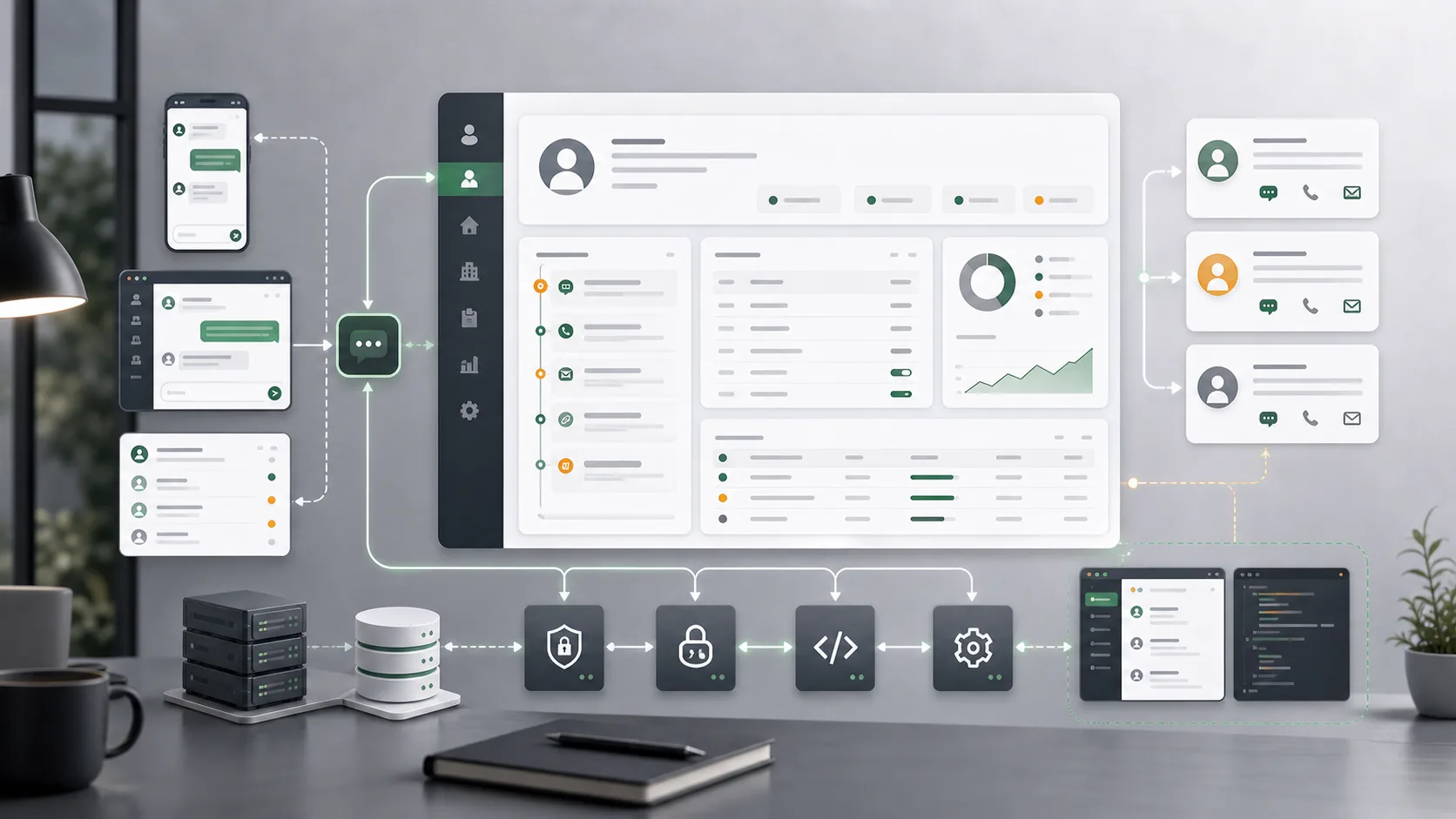
In the previous two articles about the Zhurun product consultation system and CRM, WeCom kept appearing in the background. A customer submitting a consultation form on the website was only one entry point. The more realistic follow-up communication often happened inside WeCom. If the system only recorded the form and ignored those later touchpoints, customer management would break at the most important point.
That is why I stopped treating WeCom integration as "adding a login button". Login is only the first step. What matters is whether identities, conversation entry points, external contacts, and CRM customer records can line up. Only then does the customer that business staff see inside WeCom stop being separate from the customer stored in the backend.
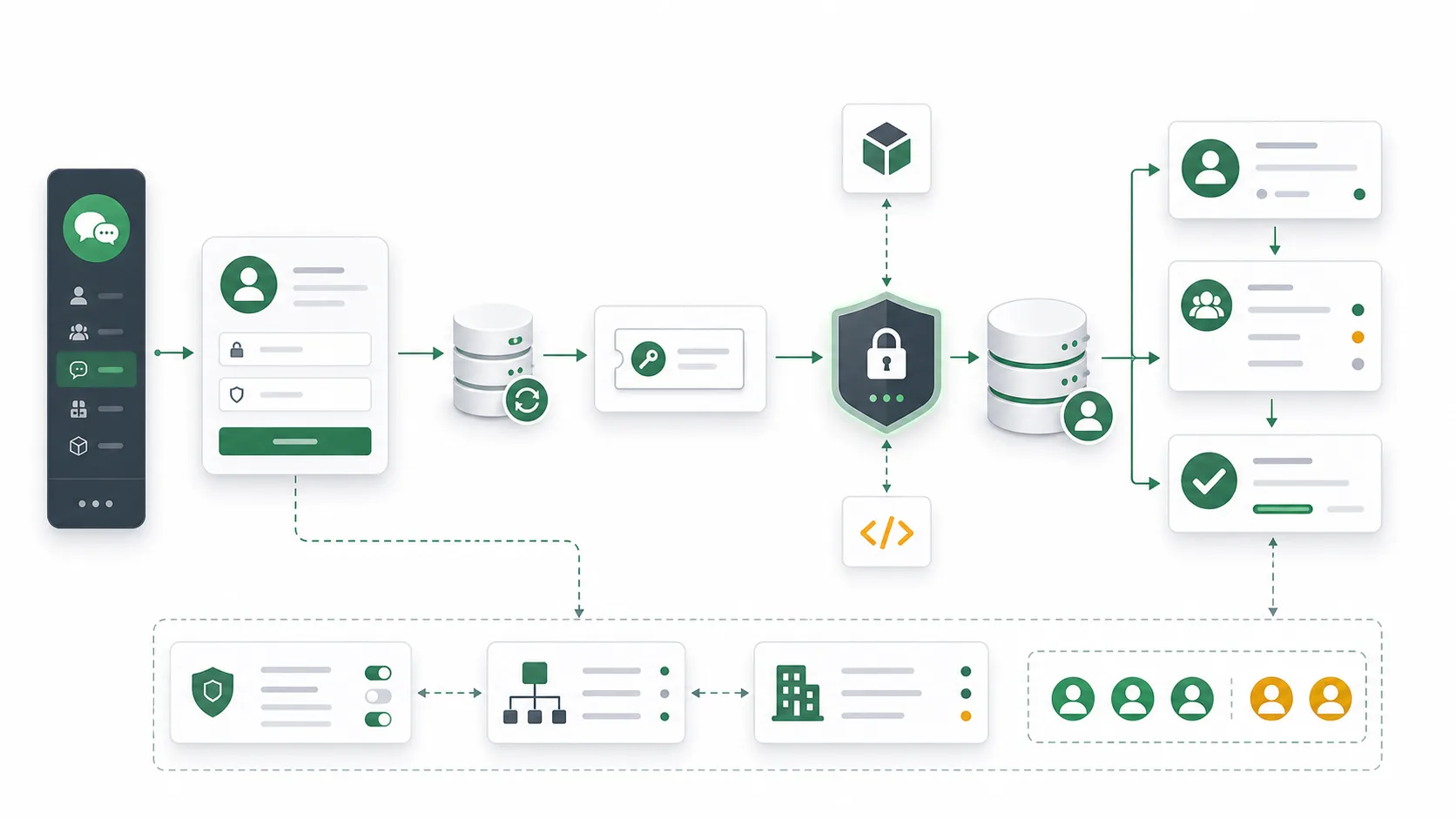
Login Is Only the Beginning of the Identity Chain
When I worked on WeCom OAuth login, the first layer was identity recognition: whether the user opened the page inside the WeCom app or through a normal web login flow; whether the callback returned userid, openid, or a more detailed user ticket; and which field the system should use to bind the WeCom identity to an internal user.
These look like authentication details, but they directly affect the usability of the internal system.
If the goal is only to "make login work", exchanging a code for user information is enough. But in a CRM and backend management system, I care more about what happens after login: whether this WeCom user is already an internal system user, whether the system can match them by mobile number or WeCom ID, what default role they should receive, and whether later permissions are still controlled by the organization structure inside the system.
My approach was to let WeCom confirm "who this person is", but not let WeCom decide "what this person can do inside the system". Permissions still return to departments, roles, and system users. This keeps the external identity platform from directly invading the business permission model.
Token and Ticket Are Operations Boundaries
One layer that is easy to underestimate in WeCom integration is Access Token and JS SDK Ticket handling.
In implementation, I cache the Access Token and handle refresh after expiration. WeCom APIs cannot be called repeatedly with a fixed secret. Many capabilities require getting a token first and then calling the API with that token. Token expiration, invalidation, and refresh failure all become real business availability issues.
The JS SDK has a similar problem. The WeCom sidebar, AgentConfig, and in-page capabilities all rely on signatures generated from the current URL, nonce string, timestamp, and ticket. If the URL, ticket type, or cache period is wrong, the page may appear to open, but the important capability fails inside the WeCom environment.
These are not side details of "writing an API". They are operations boundaries for WeCom integration. Business staff only feel whether the sidebar opens, whether customer information appears, and whether login is stable. For me, the reliability behind that experience depends on token caching, ticket refresh, signature calculation, and error retry behavior.
The Value of a Sidebar Is Context
What I care about most is not the WeCom sidebar itself, but the context it brings into the system.
When business staff communicate with external contacts inside WeCom, the system can get the external contact identifier from the sidebar context, call the API to fetch external contact information, and then try to connect that touchpoint with a CRM customer record. For example, the system can use unionid to find an existing customer, or create a basic customer record first when no match exists, then let later workflow complete the information.
That action is small, but the business value is large.
Without it, communication inside WeCom is only chat history, and CRM customers are only backend data. Both exist, but they are not connected. Business staff have to rely on memory to match "this chat contact" with "that backend customer", and the confusion grows over time.
With it, WeCom is no longer just a communication tool. It becomes part of the customer management system. Business staff can see customer state inside the communication context, and the system can understand that the customer continued to produce signals through an external touchpoint.
External Events Must Be Trusted Before Entering the System
I once extracted Laravel-side WeCom server capabilities into a package. It handled OAuth, Access Token, callback message signature verification, AES decryption, and XML parsing. That package is now old, and I have marked it as needing a refactor, but the experience it left is direct: external events must be trusted before they enter the system.
A WeCom callback is not an ordinary form submission. A message contains a signature, timestamp, nonce, and encrypted content. The system has to use the configured token and encoding key to verify the signature, decrypt the content, and confirm that the receiver identity matches. If any of these steps are skipped, the system may treat untrusted data as business fact.
Even when a project only uses login, JS SDK, or external contact lookup, I still keep these security boundaries in mind. Once callback messages, customer events, or deeper WeCom capabilities are added later, the system should not have to invent a trust model in a hurry.
Extracting a Package Was Not About Looking Generic
I once extracted WeCom server-side capabilities into a Laravel package, not because I wanted to present it as a universal SDK, but because several projects kept running into the same kind of problems: publishing configuration, calling through facades, obtaining Access Token, building OAuth redirects, verifying callback security, and handling exceptions.
If every project copied those capabilities separately, the details would quickly diverge. One project might use the wrong token cache period. Another might have incomplete state verification. Another might handle errors differently. A package at least gives these shared boundaries one place to live.
But that package also taught me another lesson: integration code ages. WeCom APIs, Laravel versions, authentication patterns, and actual project touchpoint requirements all change. An old package can preserve experience, but it should not be treated as the best implementation forever. What matters more to me is the judgment it created: which capabilities are worth abstracting, which should stay inside the specific business system, and when a refactor is better than piling on compatibility.
Customer Touchpoints Need to Return to the Business System
WeCom integration eventually returns to customer management, not to technology.
If WeCom OAuth only solves login, the JS SDK only solves page capability, the sidebar only solves display, and external contacts only solve API calls, these functions remain scattered. They become connected only when they serve one business goal: bringing customer touchpoints back into the CRM as identifiable, followable, manageable information.
When I look at this kind of integration now, I first ask several questions:
- Is the boundary between WeCom identity and system users clear?
- Are Token, Ticket, signatures, and expiration refresh stable enough?
- Can the external contact from the sidebar connect to a customer record?
- Are external callbacks verified and decrypted before entering the system?
- Can customer touchpoints inside WeCom enter the follow-up workflow?
If these questions have no answers, WeCom integration easily stops at "the feature is connected". A valuable integration brings the external communication scene into the customer management system, reduces manual cross-checking for business staff, and lets the system understand customer relationships more completely.