
After Enough Admin Pages, Forms and Tables Start to Surface
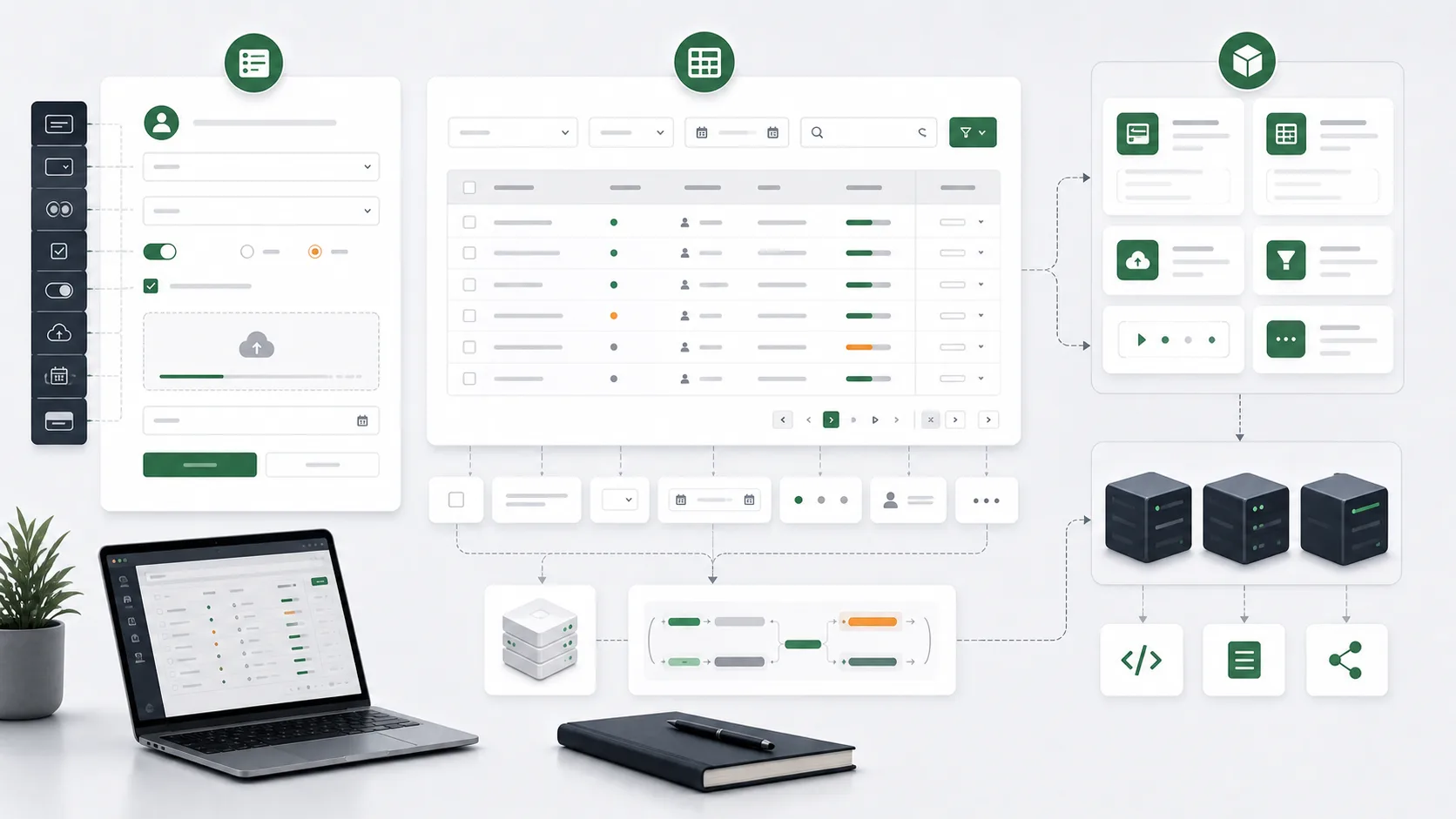
I did not decide to build a component library from the beginning. Many components surfaced naturally after writing enough admin pages.
Customer management, product management, user management, consultation forms, and consignment records look different as business pages, but they keep producing the same patterns: forms, uploads, filters, tables, pagination, search, state synchronization, and action buttons.
Repetition Has to Come First
I do not like abstraction for its own sake. If a component is used once, writing it directly inside the page is often clearer.
But when the same query table and form patterns appear across projects, the problem changes. Rebuilding pagination, filters, reset behavior, loading state, error messages, and URL sync in every project wastes time and creates inconsistency.
At that point, extracting components is not about looking advanced. It reduces repeated judgment.
Table Complexity Is Mostly State
An admin table looks like data display, but the hard part is state.
Current page, page size, search term, filters, sorting, selected rows, request state, URL parameters, and whether a refresh preserves the query all need to work together. If a table only wraps UI, its value is limited. The useful abstraction is query state and interaction convention.
I prefer the table component to handle common state while leaving business columns and request logic to the page. The page still knows what it is doing, and the component does not become an opaque box.
Forms Have to Handle Incomplete Input
The hard part of admin forms is not the input control. It is how people fill it.
Fields are missed, file uploads fail, validation errors need to appear, default values need to return, and submission feedback has to be clear. Uploads and complex fields are especially easy to repeat across projects.
So in form components, I care more about validation, error display, upload state, and submission feedback than about a set of pretty controls.
Component Libraries Also Cost Maintenance
After a component is extracted, the work is not over.
A component library has versions, dependencies, styles, documentation, breaking changes, and cross-project compatibility. If multiple projects depend on a component, casually changing an API can affect many places.
So I am more restrained now. Only things that truly repeat, have stable boundaries, and reduce project complexity should enter a component library.
Abstraction Comes From Projects
This component work confirmed for me that useful abstraction usually comes from real projects, not imagination.
Write it inside the business first. Wait until repetition appears. Then extract the stable part. In that way, the component stays close to real admin work instead of existing as a technical showcase. Forms and tables look ordinary, but they decide whether a backend system feels smooth in daily use.